Best Gaming Monitor for PS5 and Xbox Series X
What specs actually matter when choosing a gaming monitor for PS5 or Xbox Series X, plus a comparison of common monitor types.
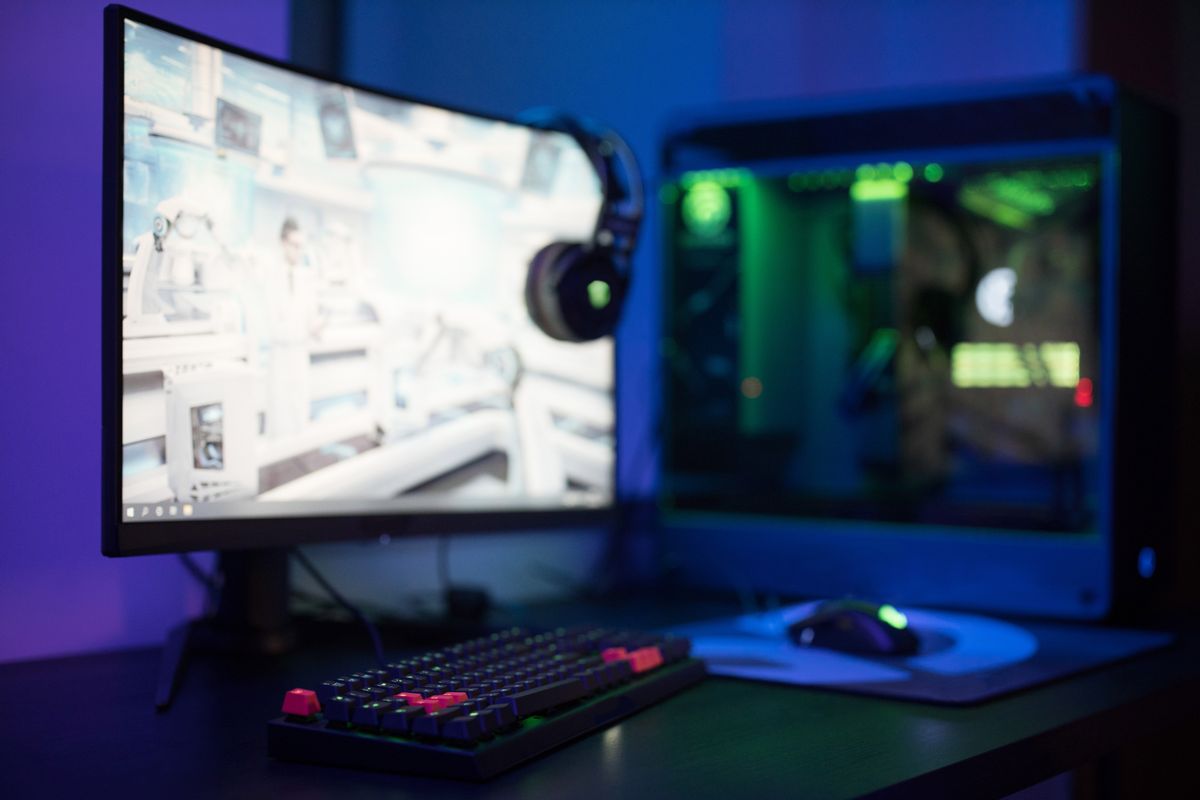
The PS5 and Xbox Series X are capable of outputting up to 4K at 120Hz in supported games. Most monitors on the market can't actually receive that signal — they have HDMI 2.0 ports that cap out at 4K/60Hz or 1440p/144Hz. Picking the wrong monitor means your console is silently downsampling or dropping its refresh rate, and you're paying for specs you can't use. Here's how to shop correctly.
The HDMI 2.1 Requirement (and the Fine Print)
HDMI 2.1 is the key spec for console gaming. It's the only HDMI standard that supports:
- 4K at 120Hz
- 1440p at 144Hz with full bandwidth
- Variable Refresh Rate (VRR) — which eliminates screen tearing without adding input lag
- Auto Low Latency Mode (ALLM) — which automatically switches the monitor to game mode when a console connects
The catch: many monitors list "HDMI 2.1" marketing but only implement a partial spec. Some 27-inch monitors have one HDMI 2.1 port and one HDMI 2.0 port, and the specs don't make it obvious which is which. Always confirm that the specific HDMI port you'll connect your console to is the full-bandwidth 48Gbps HDMI 2.1 port before buying.
For PS5 specifically: Sony recommends monitors with HDMI 2.1 for full 4K/120 and VRR support. Xbox Series X has the same requirements and additionally benefits from AMD FreeSync Premium Pro, which is VRR with HDR tone mapping.
Top Picks at a Glance
| Monitor | Resolution | Refresh | Panel | HDMI | Price |
|---|---|---|---|---|---|
| LG 27GP850-B | 1440p | 165Hz | IPS | 2.0 (no HDMI 2.1) | ~$249 |
| Samsung Odyssey G4 | 1080p | 240Hz | IPS | 2.0 | ~$199 |
| ASUS TUF Gaming VG27AQM1A | 1440p | 270Hz | IPS | 2.1 | ~$299 |
| LG 27GR83Q-B | 1440p | 160Hz | IPS | 2.1 | ~$329 |
| Dell S2722DGM | 1440p | 165Hz | VA | 2.0 | ~$229 |
Note: HDMI 2.1 is required for 4K/120Hz or 1440p/165Hz+ from consoles.
LG 27GP850-B — Best 1440p for PC Gaming
The 27GP850-B is one of the most recommended 1440p gaming monitors for PC gaming — IPS panel with excellent color accuracy, 165Hz refresh rate, and 1ms GtG response time. The issue for PS5/Xbox owners is that it uses HDMI 2.0, which means you're limited to 4K/60Hz or 1440p/120Hz max from a console. If you're using it primarily with a PC (where you connect via DisplayPort 1.4) and only occasionally with a console at 1440p/120Hz, it's excellent. For console-primary setups, look further down this list.
Specs: 27-inch IPS, 2560×1440, 165Hz (OC), 1ms GtG, DisplayPort 1.4, HDMI 2.0 ×2, sRGB 99%, HDR10 (no local dimming), VESA 100×100.
Pros: Outstanding IPS panel for color and viewing angles, 1ms response time near-eliminates motion blur, excellent for PC gaming via DisplayPort, competitive FPS performance at 165Hz.
Cons: No HDMI 2.1 (limiting for console VRR and 120Hz at full bandwidth), HDR implementation is mediocre (no local dimming), doesn't show PS5/Xbox logos on HDMI menu.
ASUS TUF Gaming VG27AQM1A — Best Console + PC Hybrid
This is the monitor to buy if you want full compatibility with both PS5/Xbox Series X and a gaming PC. It has HDMI 2.1 with full 48Gbps bandwidth, which means your PS5 can run 4K/120Hz and VRR without compromise. At 1440p/270Hz it's also one of the fastest 1440p panels available for PC gaming via DisplayPort. The IPS panel delivers wide viewing angles and good color accuracy out of the box. It costs more than the LG 27GP850-B, but you're paying for the HDMI 2.1 port that actually works fully with current-gen consoles.
Specs: 27-inch IPS, 2560×1440, 270Hz, 1ms GtG (MPRT), HDMI 2.1 ×1, HDMI 2.0 ×1, DisplayPort 1.4 ×1, G-Sync Compatible + AMD FreeSync Premium Pro, HDR10.
Pros: Full HDMI 2.1 support for PS5 and Xbox Series X VRR and 4K/120Hz, 270Hz for competitive PC gaming, G-Sync Compatible and FreeSync support, solid IPS color reproduction.
Cons: ~$299 is toward the higher end of this comparison, HDR performance is functional but not transformative without local dimming, single HDMI 2.1 port means you can only use one console at full spec.
Samsung Odyssey G4 — Best for Competitive Console Gaming
If you play primarily competitive games on console — Call of Duty, Rocket League, FIFA/EA FC — the Odyssey G4 makes a strong case. At 240Hz with 1ms response time and a flat IPS panel, it's built for motion clarity above everything else. The 1080p resolution means less visual detail than 1440p, but it also means your console runs at native resolution more easily in performance mode, and the faster refresh rate gives you smoother animation in fast-paced games. It's a performance-over-visuals trade-off.
Specs: 24-inch IPS, 1920×1080, 240Hz, 1ms GtG, HDMI 2.0 ×2, DisplayPort 1.4, G-Sync Compatible, AMD FreeSync Premium, HDR10 (400 nits peak).
Pros: Exceptional motion clarity at 240Hz, 1ms response eliminates ghosting in fast games, most affordable in the comparison at ~$199, strong color accuracy for an IPS at this price.
Cons: HDMI 2.0 only (no full VRR support for consoles — consoles will run at 120Hz without VRR), 1080p feels soft at 24 inches if you sit close, HDR400 is the bare minimum for meaningful HDR.
Dell S2722DGM — Best Budget 1440p
The S2722DGM is the budget 1440p recommendation for buyers who prioritize resolution over maximum refresh rate. It's a VA panel (higher contrast ratio than IPS — 3000:1 vs ~1000:1 typical), which makes dark scenes look more impactful in games like Elden Ring, Baldur's Gate 3, or any cinematic action title. VA panels have slower pixel response times (4ms GtG rated) than IPS, so there's more noticeable motion blur in very fast panning, but for narrative games and most console play this is a non-issue. The HDMI 2.0 port limits console VRR, but at ~$229 it's one of the best-value 1440p options available.
Specs: 27-inch VA, 2560×1440, 165Hz, 4ms GtG, HDMI 2.0 ×2, DisplayPort 1.4, AMD FreeSync Premium, 3000:1 static contrast ratio, 350 nits brightness.
Pros: 3000:1 contrast makes dark scenes genuinely impressive, 1440p resolution at a competitive price, wide color coverage (95% DCI-P3), sturdy stand with height/tilt/swivel adjustment.
Cons: VA panel has slower response than IPS (motion blur more visible in competitive games), no HDMI 2.1 (VRR limited with consoles), not ideal if competitive FPS is your primary use.
Panel Type: IPS vs VA vs TN for Console Gaming
IPS is the right choice for most console gamers — wide viewing angles (important if you sit off-center), accurate colors, and fast enough response times for everything except the most competitive FPS titles. Most of the best gaming monitors today are IPS.
VA wins on contrast. If your gaming is mostly cinematic — RPGs, open-world games, story-driven games with lots of dark environments — a VA panel with 3000:1+ contrast will look noticeably better than an IPS at the same brightness. The trade-off is slower pixel response and some "smearing" on fast motion.
TN panels are the fastest but have poor viewing angles and washed-out colors. They were the competitive default 5 years ago but have been largely replaced by fast IPS panels. There are very few reasons to buy a TN monitor for console gaming.
HDMI 2.1 for Consoles — What You're Actually Getting
When your PS5 or Xbox Series X connects to an HDMI 2.1 monitor with VRR enabled:
- 4K/120Hz works without compromise (48Gbps bandwidth required)
- VRR eliminates screen tearing without the input lag penalty of V-Sync. In games like Call of Duty or Gran Turismo, this is a tangible difference
- ALLM (Auto Low Latency Mode) switches the monitor to its lowest-latency game mode automatically when your console connects — removes one setup step
Without HDMI 2.1, you get 4K/60Hz or 1080p/120Hz from a PS5 — still playable, but you're leaving capability on the table. For competitive play at 120fps, you want HDMI 2.1.
Frequently Asked Questions
Do I need a 4K monitor for PS5/Xbox Series X? No. A 1440p monitor with HDMI 2.1 is arguably the better practical choice — you get sharper resolution than 1080p, and consoles can dynamically scale for performance mode at a resolution the monitor handles natively. 4K makes sense if you sit farther away (3+ feet from a 32-inch+ screen) or specifically want maximum visual fidelity.
What size monitor is best for console gaming at a desk? 27 inches is the consensus sweet spot for 1440p at typical desk distances (1.5–3 feet). At 32 inches, 1440p starts to look slightly soft at close distances and 4K becomes more justified. 24 inches works well for 1080p or if your desk is small.
Does input lag matter as much as response time? Input lag (the time between your controller input and the frame appearing) is different from panel response time (pixel switching speed). Most good gaming monitors have input lag under 10ms in game mode, which isn't noticeable. Response time affects motion blur and ghosting. Both specs matter; prioritize a monitor that clearly publishes both.
Bottom line: For a console-primary setup where you want full PS5 and Xbox Series X compatibility, the ASUS TUF Gaming VG27AQM1A is the recommendation — proper HDMI 2.1, fast IPS panel, VRR from both consoles. For budget buyers who accept HDMI 2.0 limitations, the Dell S2722DGM at ~$229 offers a great 1440p VA experience. And if competitive games are your focus and motion clarity matters above all else, the Samsung Odyssey G4 at 240Hz is hard to argue against at ~$199.
Jordan Reyes
Hands-on PC builder and gaming hardware writer at GameInfoZone. Focused on practical, no-hype advice for everyday gamers.
Need Help With Your Gaming Setup?
From custom builds to fixing low FPS and lag, our techs can help you get the most out of your gaming PC.
Request Gaming PC HelpGet Gaming Deals & Setup Tips
Join the GameInfoZone newsletter for gaming gear deals, PC build tips, and performance guides.
Related Articles

Best Steam Deck Accessories
The accessory categories that actually improve the Steam Deck experience, with a comparison of common options.
Best Gaming Mouse for FPS Games
What actually matters in a gaming mouse for FPS titles, plus a comparison of mouse types to help you pick the right one for your grip and budget.
Best Gaming Headsets Under $100 (2026 Buying Guide)
Looking for a solid gaming headset without spending over $100? Here's what to look for and which types of headsets are worth your money.